Before you book
Payments are non-refundable. Rebooking costs ₱200 per reservation and needs staff payment verification. Save your confirmation screenshot for parking.
Reserve a Court
Book Your Slot
Choose a court, date, and an open time. Pay through GCash, then submit your receipt to reserve. Staff will verify your payment.
Court
Details
Pay
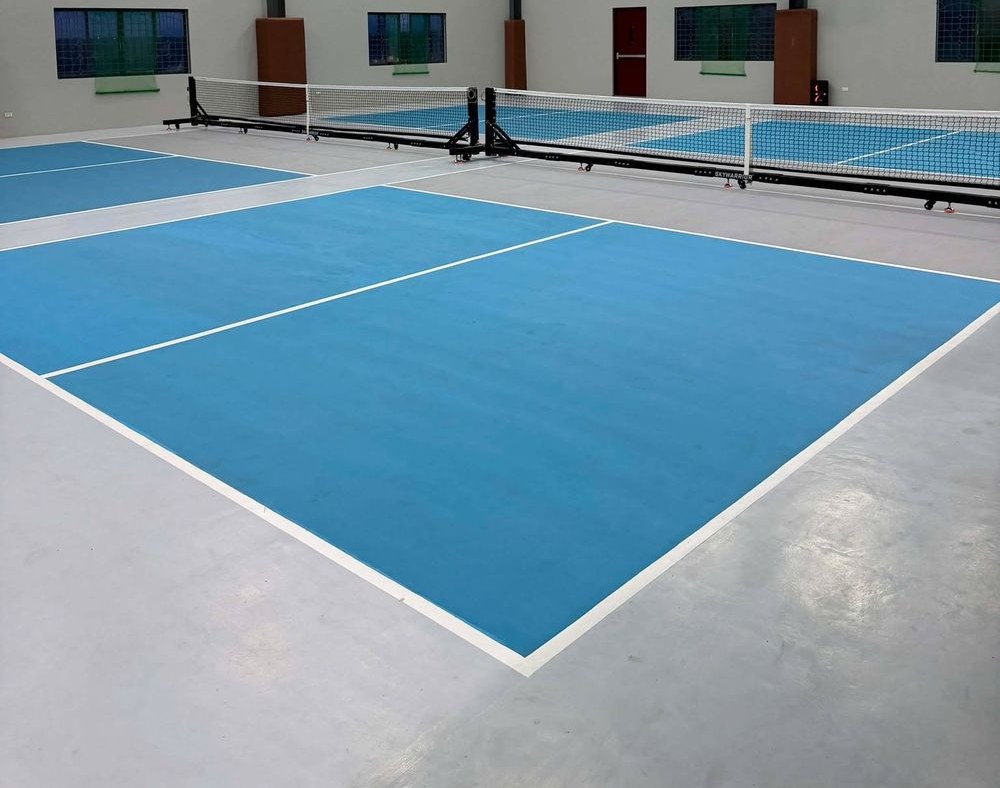
Ivy Court #1
Premium · Training & Play
Fully equipped for matches and casual games, and ideal for drills, lessons, and solo practice with the ball machine.
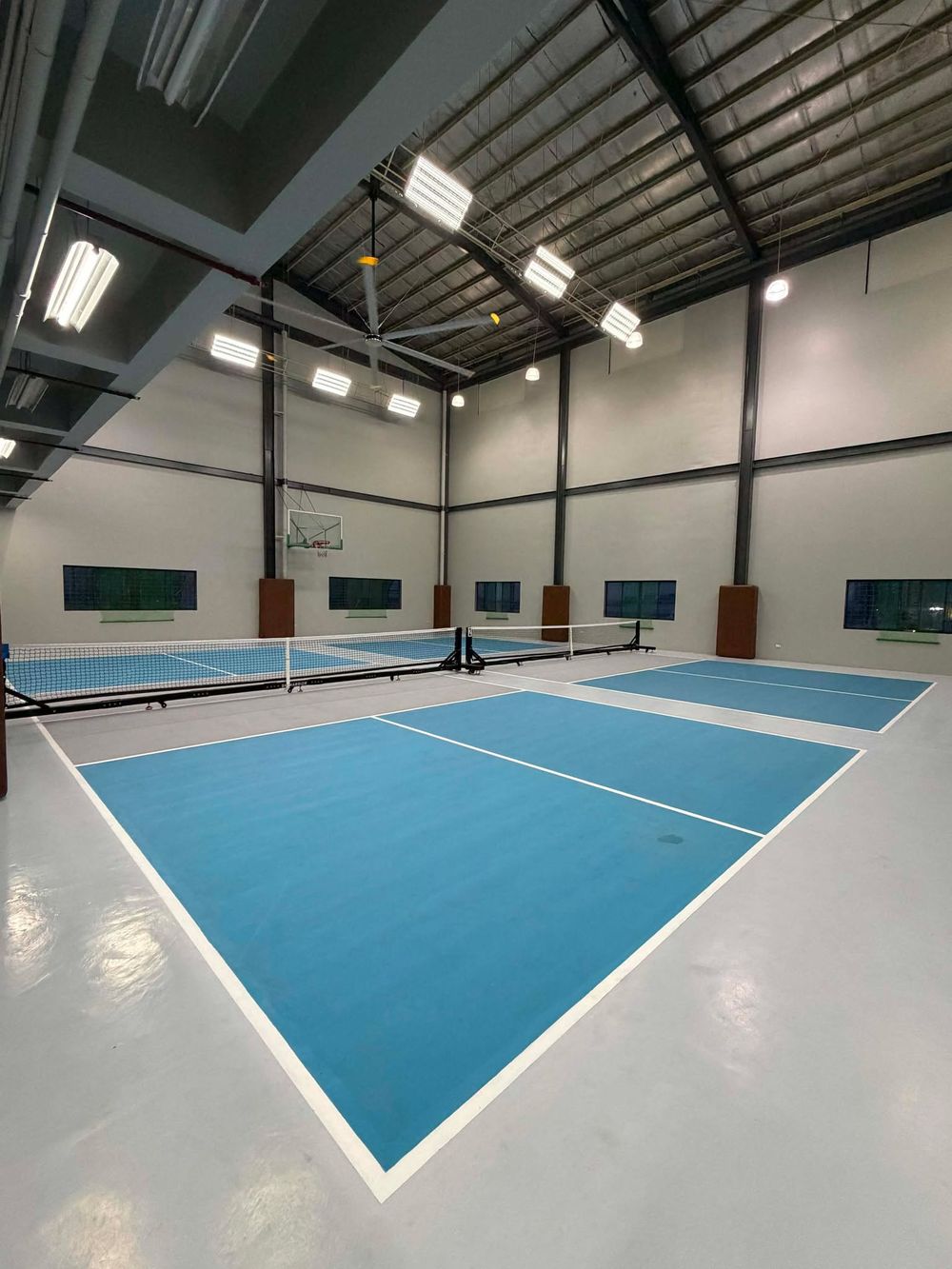
Charles Court #2
Premium · Match Play
Our showcase court, set up for the best competitive playing experience.
Your Details
Who's Playing
Enter your name and mobile number for your reservation.
Court
Details
Pay
Add Ball Machine +₱450/hr
Automatic ball feeder for solo training or drills. Balls included. Daytime hours (8 AM–6 PM) — one machine, first to book gets it.
Secure Your Slot
Pay In Full
Pay the full court fee to confirm your booking. Scan the GCash QR, then upload your proof of payment.
Court
Details
Pay

₱300.00
GCash / InstaPay · Gray Kitchen Pickleball
Pay the exact court fee shown above, then upload the receipt below.
Pay the exact court fee shown above, then upload the receipt below.
Tap to upload your GCash receipt screenshot
Booking Policies — Please Read
- All payments are final. Court fees are non-refundable once paid.
- Rebooking costs ₱200 per reservation. Submit a request with your confirmation details and a separate payment receipt. Your original slot stays booked until staff verifies payment and approves the move. New slots are subject to availability.
- Screenshot your confirmation. Save the screen showing your guest name, booking date and code. Show it to the parking attendant when you arrive.
- Bring your GCash receipt. You must present the matching GCash receipt at the reception when you arrive.
- No valid receipt, no access. If the receipt doesn't match your booking, entry to the court may be refused.
Booking Confirmed
Screenshot this confirmation now. Show your booking code, guest name and booking date to the parking attendant. Keep this code for rebooking. Bring your GCash receipt and show it at the reception when you arrive. Without a matching receipt, court access may be refused. All payments are non-refundable.
Save this confirmation screenshot for parking and keep your GCash receipt for reception. We'll see you on court!